
Opteo
The smarter way to manage Google Ads
Opteo is priced for a book of accounts. This page is for the owner with one. Every figure here was read at its source.
 Google Ads and lead generation, 12 years 10 min read Updated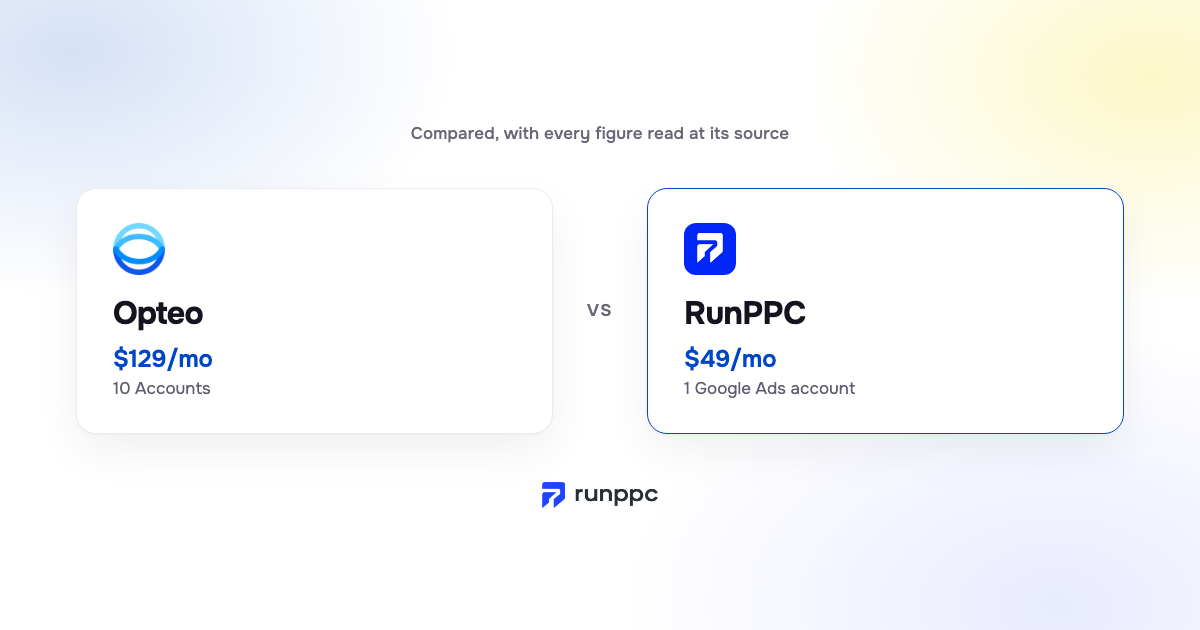
Opteo is Google Ads management software from Opteo Ltd in London. It queues Improvements across the accounts you connect, sorted by priority and statistical confidence. It pushes the ones you confirm. Basic is $129/mo and covers 10 Accounts and $25,000 Spend/mo.
Opteo Basic is $129/mo for up to ten accounts and $25,000 Spend/mo of spend; one account at $3,000 uses a tenth of it, and RunPPC is built for that account.
Opteo
The smarter way to manage Google Ads

RunPPC
Your Google Ads expert that never sleeps.
Five questions about your own setup, not about what you like. Some answers end on Opteo, some on RunPPC, and some on options that cost nothing.
Where the answers lead
Stay with Opteo
Opteo prices by account count and combined spend, and Basic covers 10 Accounts and $25,000 Spend/mo a month. Branded client reports and live chat sit on that same entry plan. Nothing on this page is a reason to leave a tool that is shaped like your week.
Read who should stay with OpteoSomeone already does this
An agency or a freelancer who is in the account every week already does the job a tool is sold to do. Before paying for software on top, it is worth knowing what that work costs elsewhere. Nothing here says to fire anyone.
What Google Ads management costsStart with what costs nothing
At a budget of nothing, no paid tool is the right answer yet. Google's Recommendations tab is already inside the account, and Adzooma's Free plan lists Google Ads Opportunities monthly and applies the ones you approve. Neither builds a campaign from scratch or touches your landing page.
See the options that cost nothingRunPPC Pro
One account under $3,000 a month, with nobody in it weekly, is the shape Pro is built for. Pro is $49/mo: a ranked review every week, a Search campaign written and launched for you, and every change applied only in the version you approved. Two or three accounts sit on Multi instead.
See what RunPPC does insteadRunPPC Max
Your spend is past what Pro covers, so Max is the honest line: no spend ceiling, and a review every day rather than every week. It also sends your closed jobs back to Google, so bidding follows the clicks that became customers. Still one account, still approved change by change.
Compare the two, row by rowThis page is published by RunPPC, which is one of the products on it. RunPPC is not affiliated with Opteo.
We wrote it by opening Opteo's own pages and quoting them. Where a figure is rendered by JavaScript or sits behind a form, the page says so instead of guessing. No trial account was run for this comparison.
Prices read at opteo.com on .
Opteo is Google Ads management software, sold in tiers by account count and combined monthly spend, for advertisers and agencies.
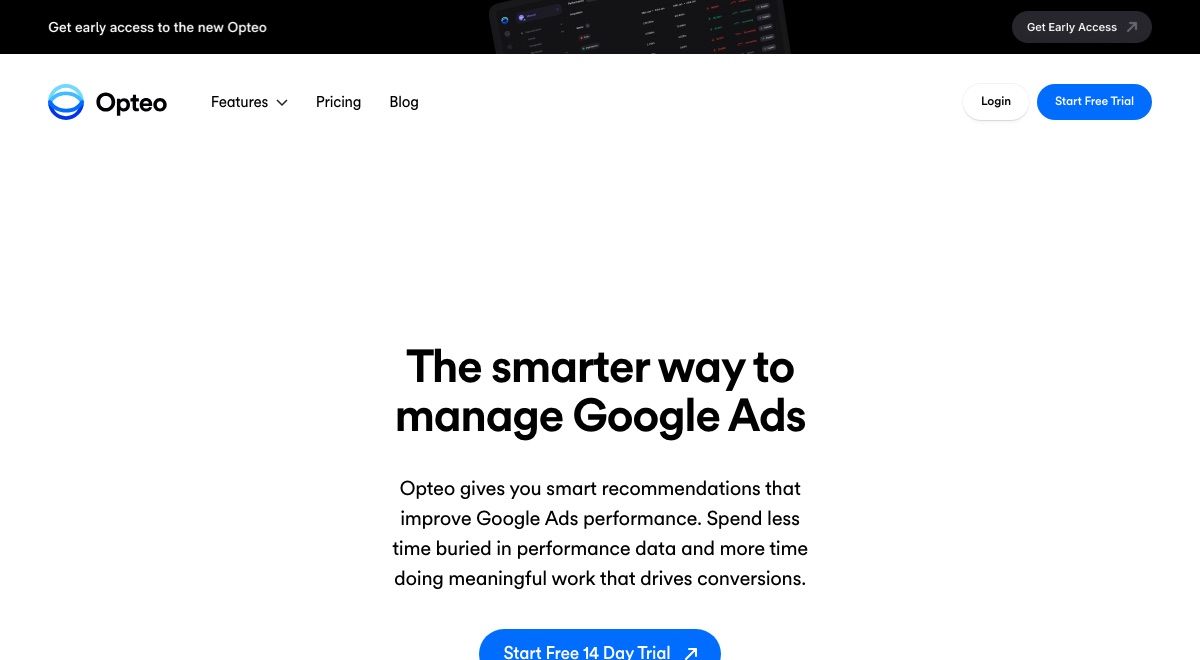
Opteo's Improvements page shows a queue sorted by priority and statistical confidence. "Many Improvements can be pushed to Google Ads with a single click", and their sentence carries on to the ones that need more. For the rest you adjust the values first. Nothing there describes a change applied without your click.
After making any necessary adjustments, click the green button to confirm and push your changes live to Google Ads.
opteo.com, read
The Reports page offers templates "with your brand and colours", comments generated from the data, and scheduling. Google Ads Reports is on every plan card, Basic included. If you bill clients, that's a chunk of the month back.
Create templates with your brand and colours.
opteo.com, read
Opteo watches connected accounts for budget overspend, errors and performance milestones, then raises an alert. Slack gets them "to a channel of your choosing." The account stops being a tab you forget.
Connect Opteo to Slack, get performance updates, budget alerts, and new improvements sent to a channel of your choosing.
opteo.com, read
"Live Chat Support" is printed on the Basic card, and Opteo states the hours: Monday to Friday, 09:00 to 18:00 GMT. Support from a named team inside a stated window is rarer than it should be at this price.
available to answer questions and provide technical assistance from Monday to Friday (09:00 to 18:00 GMT)
opteo.com, read
Limits of fit, not of quality. Each one is Opteo's own wording, linked, with the reader it matters to.
The Basic card prints 10 Accounts next to $25,000 Spend/mo, and the pricing FAQ defines that figure as "The total monthly spend of accounts you connect to Opteo." Both are ceilings, not minimums. One account at $3,000 sits inside both and pays what a ten-account manager pays. Fair for the manager. A lot of plan for one account.
The total monthly spend of accounts you connect to Opteo.
Matters to: One account, $3,000 a month or less
opteo.com, read
Opteo's home page calls itself "A complete toolkit for Google Ads managers", and the workflow matches. Improvements wait in a queue until you open it. That suits someone who opens the tool on Monday morning. If your Monday is quotes and callbacks, the queue waits.
A complete toolkit for Google Ads managers
Matters to: Owners who are not in a PPC tool every week
opteo.com, read
The home page says "Get recommendations based on your Google Ads performance data", and the six Improvement areas all act on the account. The page a click lands on sits outside Google Ads. For a local service business, that page is where the call happens or doesn't. Neither page describes work on the landing page itself, so this page claims none.
Get recommendations based on your Google Ads performance data
Matters to: Businesses whose ads are fine and whose page loses the lead
opteo.com, read
The pricing FAQ offers "a two-month discount on accounts billed yearly" and sends you to [email protected]. No toggle, no yearly figure printed. So this page computes none. Budgeting a year ahead means asking Opteo for the number.
a two-month discount on accounts billed yearly
Matters to: Anyone budgeting a year in advance
opteo.com, read
| Plan | Price | Billing | Accounts | Spend covered |
|---|---|---|---|---|
| Basic | $129/mo | monthly | 10 Accounts | $25,000 Spend/mo |
| Professional | $249/mo | monthly | 25 Accounts | $100,000 Spend/mo |
| Agency | $499/mo | monthly | 75 Accounts | $250,000 Spend/mo |
Read at https://opteo.com/pricing on . If this table and Opteo's page disagree, their page is right: tell us at [email protected].
The agent writes the whole Search campaign: ad groups, keywords, and the negative keyword exclusions that stop you paying for the wrong searches. You read the finished campaign, approve it, and RunPPC builds it in your Google Ads account and launches it: you never have to go back into Google Ads. Say no and it rebuilds.
RunPPC reviews the page your ads point at and proposes what to fix. Then it personalizes that page for every click, to the keyword someone typed and the city they searched from, through one snippet on the page you already have. Nothing that lives inside Google Ads can see your website, let alone rewrite it.
Every proposal is shown in full before anything happens. When you approve it, RunPPC applies that exact version in your Google Ads account. Editing a proposal cancels its approval, so approved always means the version you last read. New campaigns go through the same approval and RunPPC launches them itself, and every proposal and every change is recorded.
A ranked account review every week on Pro, every day on Max, and an alert the moment something breaks. You never have to remember to open anything, which matters when Google Ads is not your actual job.
Pro is $49/mo for one Google Ads account with up to $3,000 a month of ad spend; Max removes the ceiling. The price is the same whether the account spends a little or a lot, so nothing about the fee pulls toward a bigger budget.
5 of these rows go to Opteo and 2 are a draw.
| Opteo | RunPPC | |
|---|---|---|
| Cheapest published plan | $129/mo, 10 Accounts | $49/mo, 1 Google Ads account |
| How a change reaches Google Ads | You approve, then it applies | You approve, then it applies. Editing cancels the approval. |
| Accounts covered by the entry plan | 10 Accounts on Basic | One on Pro and Max. Multi covers up to three; more by contact |
| Spend covered by the entry plan | $25,000 Spend/mo, summed across connected accounts | Up to $3,000 a month on Pro; no ceiling on Max |
| Client reports in your branding | Yes. Templates with your brand and colours, on a schedule | Not a published feature. Max has cost per lead history and a weekly digest |
| Live chat support | Yes, on Basic, Monday to Friday 09:00 to 18:00 GMT | Not a published feature. Priority support on Max |
| Shopping campaigns | One of the six Improvement areas, on Basic | Optimized on Max. Campaign building is Search only |
| Builds a new Search campaign | The six Improvement areas act on an account that exists | Yes. Ad groups, keywords and negatives written and launched for you |
| Works on the landing page | Recommendations are "based on your Google Ads performance data" | Reviews the page and personalizes it by keyword and city |
| How the work reaches you | A queue you open, plus alerts and Slack messages | A ranked review weekly on Pro, daily on Max, plus alerts when something breaks |
8 priced here, Opteo last as the one you came for. Adzooma publishes a plan that stays free, and this page gives it a row rather than leaving you to find it one result down.
| Tool | Price | Accounts | Spend covered | Changes |
|---|---|---|---|---|
| Ryze AI | $89/mo | Unlimited ad accounts | None published | You approve, or it auto-applies |
| Optmyzr | $299/month | For up to 25 Accounts | Covers up to $25K/mo | You approve, then it applies |
| Adalysis | $149 | Unlimited Google Ads accounts, Unlimited Microsoft Ads accounts, Unlimited users | Covers up to $50k/mo | Not stated |
| Adzooma | $0 monthly | Unlimited Ad Accounts Connected | No spend limit published | You approve, then it applies |
| Google Ads Recommendations tab (optimization score) | Built into Google Ads, no separate price published | Every Google Ads account | No limit stated | You approve, or it auto-applies |
| Ask Advisor (beta) | Built into Google Ads, no separate price published | Single accounts. Google: "Ask Advisor isn't available in MCC accounts" | No limit stated | Reports only |
| Google Ads scripts | Built into Google Ads, you write and maintain the code | "one to many Google Ads accounts", per the developer overview | No limit stated | Reports only |
| RunPPC | $49/mo | 1 account | Up to $3,000/mo | You approve, then it applies |
| Opteo | $129/mo | 10 Accounts | $25,000 Spend/mo | You approve, then it applies |
Nothing about trying RunPPC requires cancelling Opteo first. Both connect to the same Google Ads account through Google's own OAuth, and neither can see or undo what the other proposed. Keep the subscription until you have a reason to drop it.
Opteo writes into your Google Ads account. Its pricing FAQ says changes "will show up in their Google Ads change history as coming from the email address associated with your MCC." So every Improvement you pushed is already there. Nothing to rebuild. What lives only in Opteo is reports and Scorecards, which its Reports page says you can "Export and share", plus your Slack alert thresholds. Save both before you cancel.
Write down last month's cost per lead, the number of calls and forms, and the search terms that produced them. Any tool that claims an improvement should be measured against that, not against its own dashboard.
Nothing is applied until you approve it, and RunPPC launches new campaigns itself.
Give it four weeks of proposals and approvals, then compare cost per lead against the baseline. If Opteo still earns its place, keep it: the two are not exclusive, and the account is yours either way.
Read at opteo.com on 2026-09-13.
From $49/mo. Cancel anytime. No setup fee.
Opteo's cheapest published plan is $129/mo. Its card reads "10 Accounts" and "$25,000 Spend/mo", read at https://opteo.com/pricing on 2026-09-13. Its page prints no annual figure. There is no free plan, only a trial. Prices move, so open the link before you decide anything on this table.
Yes. Homepage: "Improvements are smart recommendations that can be pushed live to Google Ads in seconds." Pricing page FAQ: "Changes made via Opteo will show up in their Google Ads change history as coming from the email address associated with your MCC." Read at https://opteo.com/ on 2026-09-13. RunPPC writes to the account too, only after you approve the exact version you were shown, and launches new campaigns itself: no trip back into Google Ads. Editing a proposal cancels its approval.
Yes, and this page names them rather than hoping you do not look. Google's Recommendations tab is built into every account at no extra price, and Adzooma publishes a plan that stays free. RunPPC is not free: Pro is $49/mo. What you buy is an agent that picks what to review, proposes the change in plain language, and applies only the version you approved.
It runs fine on one account. The question is what you pay for. Basic is $129/mo and covers 10 Accounts and $25,000 Spend/mo, both ceilings rather than minimums. One account at $3,000 uses about a tenth of each. If you expect to add accounts, that headroom has value. If not, RunPPC Pro at $49 is sized to the account you have.
Opteo's pricing page prints no annual figure. Its FAQ offers "a two-month discount on accounts billed yearly" and asks you to email [email protected] to arrange it. There is no yearly toggle. So this page computes no monthly equivalent, and any site that prints one did the arithmetic for Opteo rather than read it. Ask Opteo before you compare twelve-month costs.
They stay. Opteo pushes Improvements into your Google Ads account, and its pricing FAQ says those changes "will show up in their Google Ads change history" under the email address on your manager account. Cancelling removes the queue, the alerts and the reports. The keywords, bids and exclusions already applied are yours. Export the reports you want first.
Nothing technical stops it. Both connect through the Google Ads account's own access controls, and both record what they change. In practice two tools proposing changes to the same campaigns give you two opinions on every bid, and the second one to write wins. To compare them, run each on its own for a period and read the change history.
Same category. Opteo is built around many accounts, RunPPC around one. Both propose changes to Google Ads and apply the ones you confirm, which is why the peers table lists them together. Opteo is built around a queue of Improvements across many accounts, with branded reports and Slack alerts. RunPPC is built around one account: a ranked review that comes to you, a Search campaign built and launched for you, and a landing page personalized per keyword and city.

Connect Google Ads and Elon reviews every campaign: which search terms spend the money, what each lead costs, and where each click lands. He proposes what to change and applies only what you approve. He launches new campaigns too, so you never go back into Google Ads.

Cookies on this site
We measure how the site is used and which ads bring people here. No measurement runs until you choose, and you can change your mind any time from the footer. Cookie Policy
Strictly necessary
Signing in, security, honouring a referral link, and remembering the choice you make here. These cannot be switched off.
Audience measurement
Google Analytics tells us which pages help and which do not. Sets _ga and _ga_WBRFZHCDS5 for up to 2 years.
Advertising measurement
Lets Google tell us which of our ads led to a signup, and tie a visit back to the ad that paid for it.